Gas analysis
Bailout
MOD
58 m
- O2
- 18%
- He
- 45%
- Pressure
- 200 bar
- Owner
- TEAM
ppO2 1.42026-07-13
What the app does
Enter O2, He, pressure, MOD, ppO2, owner, and cylinder role. Choose the layout, review the label, then print to a configured Zebra printer.
Gas analysis
MOD
58 m
Gas analysis
MOD
6 m
Label fields
The label keeps the mix, operating limit, cylinder details, and analysis record together instead of spreading them across tape and handwriting.
Gas name, O2, and He
Keep the breathing gas obvious before anyone reads the smaller fields.
MOD and ppO2
Place the depth limit beside the mix, not in a separate note.
Pressure, owner, and role
Show who the cylinder belongs to and whether it is stage, deco, bailout, or diluent.
Date and label footer
Keep the analysis date and label source available during handoff.
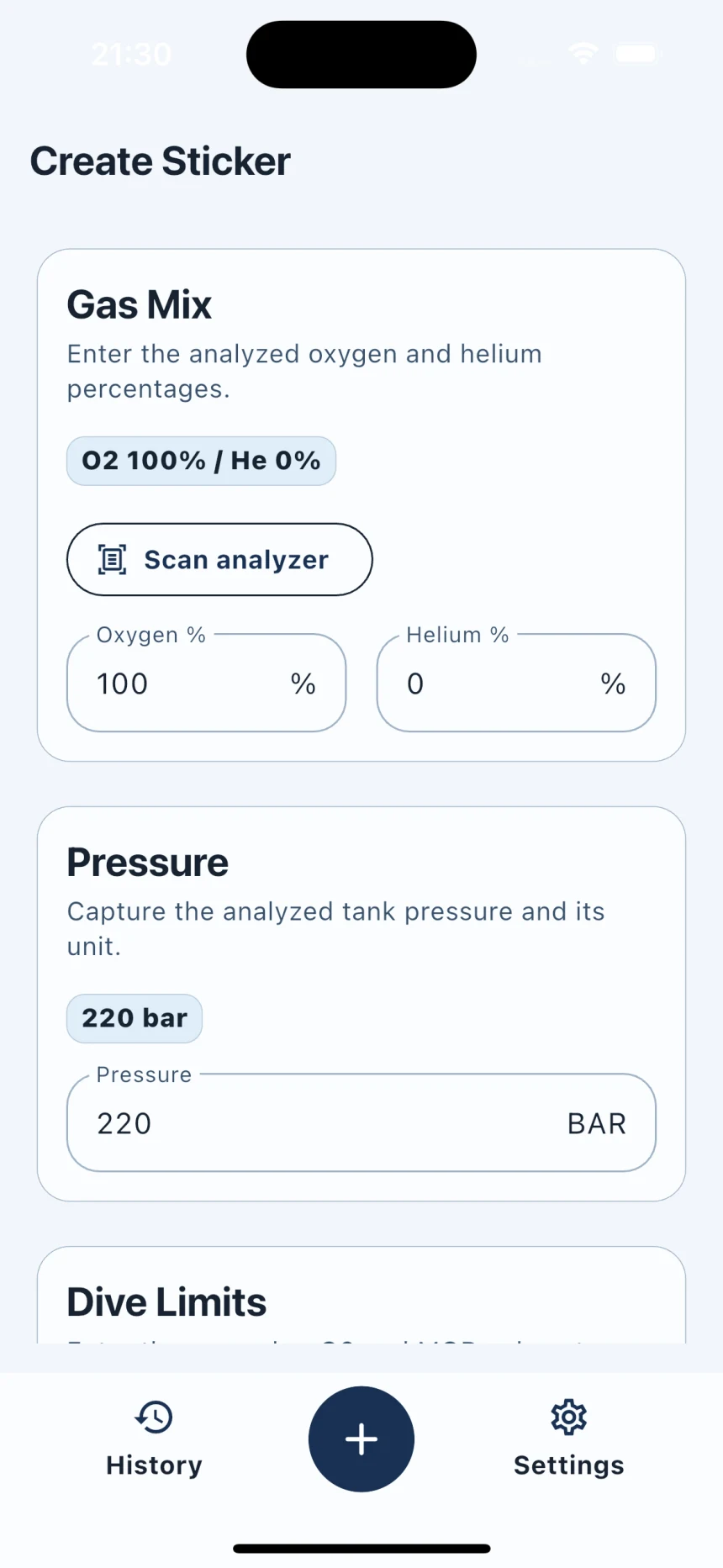
Label workflow
Type O2 and He or use on-device OCR to assist with transcription.
Add pressure, MOD, ppO2, owner, role, date, size, and orientation.
Check every field and the layout before sending anything to the printer.
Print to a configured Zebra printer and keep useful history on the device.
Local by design
Duplicate and edit repeat label work.
Keep configured Zebra details locally.
No analyzer image is sent to cloud OCR.
No sign-in, advertising, or cloud sync.
Use-case guides
Open the guide for the cylinder, gas, role, or printer workflow you need.
For oxygen-rich deco cylinders where gas identity, MOD, and handoff clarity matter.
Open guideGuideFor stage, travel, and deco cylinders moving through technical-diving teams.
Open guideGuideFor maximum operating depth markers that need to be visible at a glance.
Open guideGuideFor shops, rental cylinders, course cylinders, customer pickups, and repeat fill-station work.
Open guideLaunch testing is open to divers, fill stations, and teams using Zebra printers.